September 12th, 2026
Enhance SoundsWidget component
Refactor sound pad loading logic to improve performance and clarity.
Implement delete pad confirmation and handling for better user experience.
Integrate timezone awareness in various report fetching functions for accurate data representation.
May 29th, 2026
New
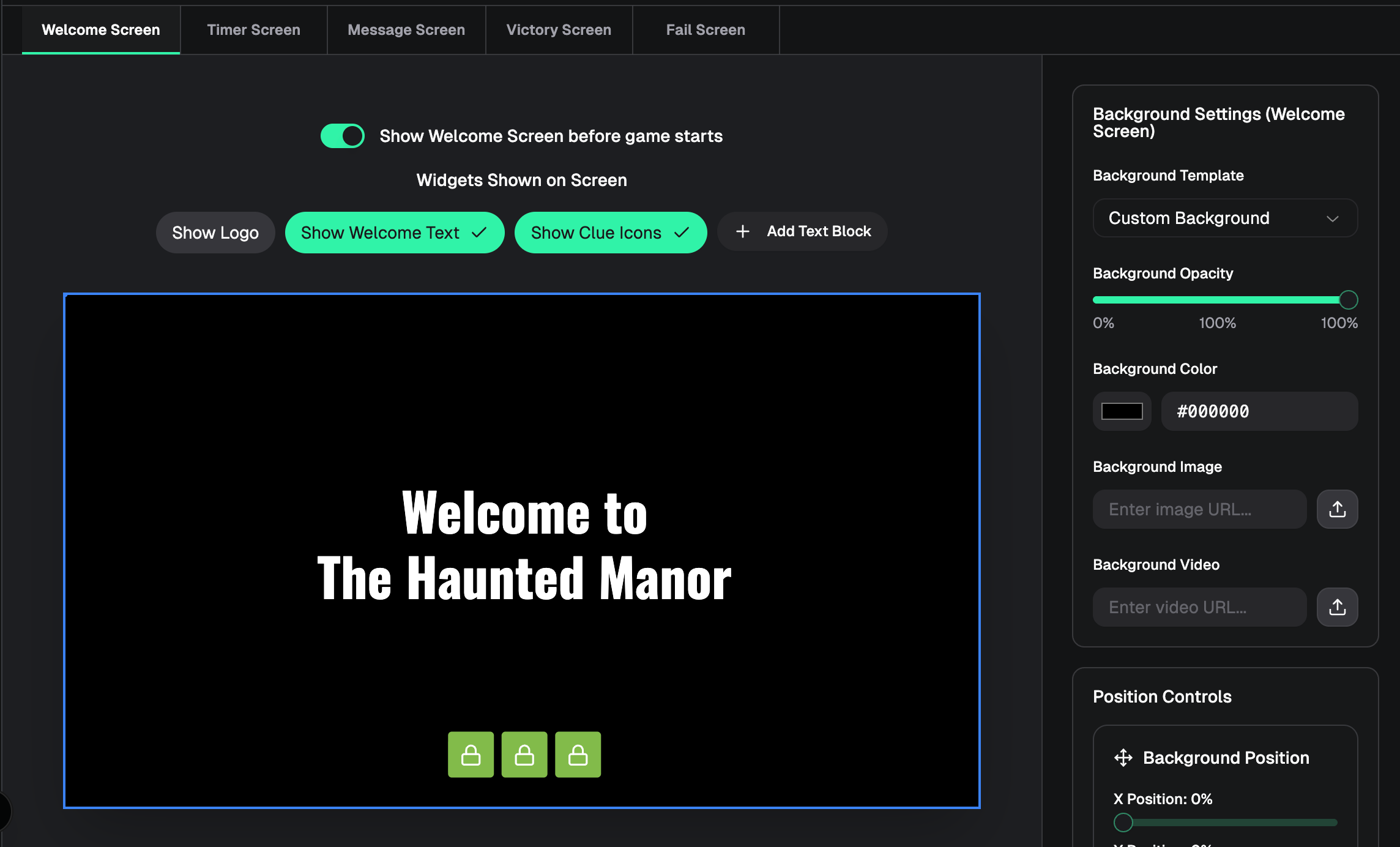
Welcome Screen — Optional pre-game screen on the player window, customizable in the designer with logo, welcome text, clue icons, background styling, and custom text blocks
Screen tabs — Designer screen picker is now a tab bar (Welcome, Timer, Message, Victory, Fail) instead of a dropdown
Message preview from real clues — Message screen designer preview uses the first text clue from your game instead of placeholder copy
Improved
Welcome screen off by default — Player window won’t show the welcome screen until you enable it in the designer and save
Welcome tab label — Shows “Welcome Screen (disabled)” when the welcome screen is turned off
Message widget settings — Sidebar styling now matches timer, logo, and other widget panels
Designer preview sizing — Preview keeps the correct 16:9 aspect ratio when the window is wide and short
Designer navigation — Sidebar back button returns to the game console (not the dashboard) while in the designer
Fixed
Welcome screen background color not updating in the designer preview
Trash icon on welcome screen custom text blocks not removing the block
Message screen logo placeholder looking different from other screens
Smooth welcome → timer transition on the live player window (from earlier in this work)
May 28th, 2026
Improved
New Features
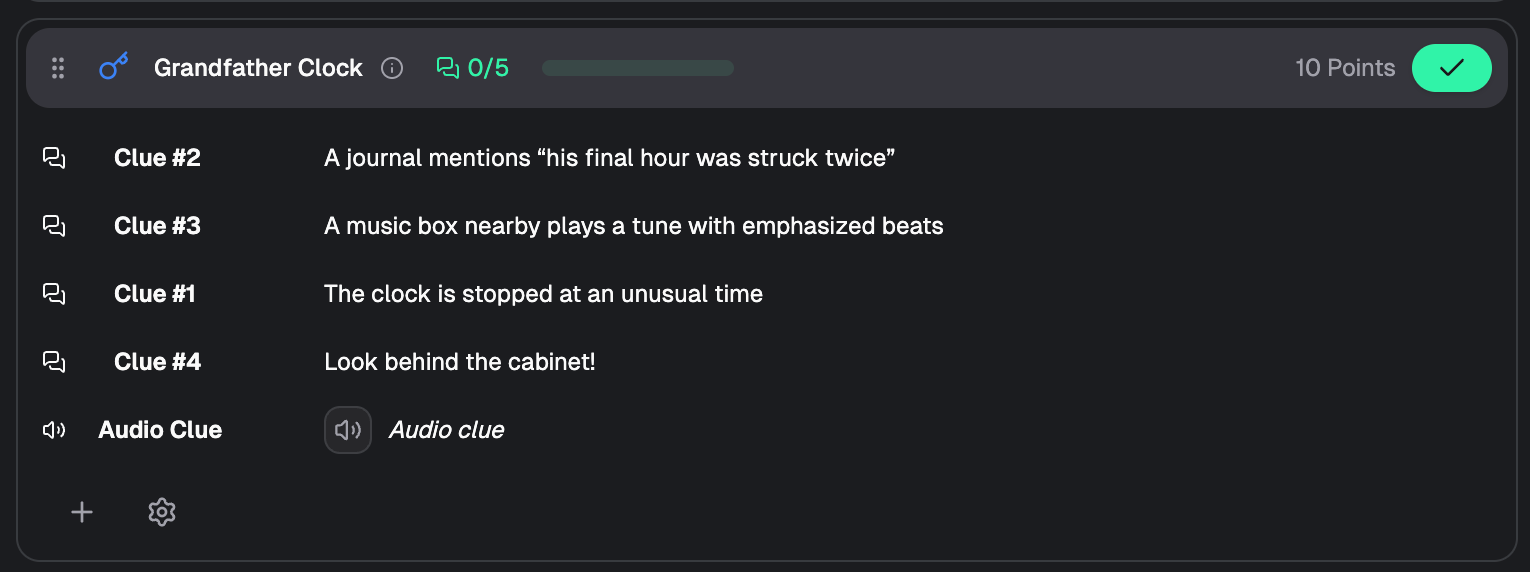
Audio clues
Upload and send audio clues from the game console (Pro tier)
Audio clues appear in chat with playback preview
Player window shows an animated “Audio clue” overlay while audio plays, then clears when finished
Background music automatically ducks during audio clue playback
Clue reordering
Drag and drop to reorder clues within a puzzle in the modern console view
Hover a clue row to reveal the grip handle, then drag to rearrange
Order is saved and persists across sessions
Works for text, image, video, and audio clues in regular and folder/general puzzles
Billing action alerts
Dashboard now shows a prominent banner when a subscription payment is past due or failed
Banner includes a direct Update payment link to the billing page
Alerts appear across the entire dashboard so teams don’t miss payment issues
Billing Improvements
Smarter subscription detection
Billing page now prioritizes
past_dueandunpaidsubscriptions so payment issues are surfaced even when an older active subscription exists in the database
Past due / payment failed handling
Billing page shows a dedicated Payment Required section for past due or failed payments
Includes payment method management and an Update Payment Method action
Clear status labels: Past Due vs Payment Failed
Shared billing utilities
Centralized billing action logic for consistent messaging between the dashboard banner and billing page
December 26th, 2025
Improved potential memory leak on the console window for some users.
Improved data caching to increase performance
December 18th, 2025
General audio playback improvements
Added functionality to monitor video playback and update the timer UI accordingly.
Implemented a dropdown menu for starting the timer with video or only the timer.
Introduced state management for tracking video playback status and associated UI updates.
Improved user experience by allowing custom time adjustments and resetting game states through the dropdown menu.
December 17th, 2025
Improved
Fixed
Fixed an issue where the volume of the background music would set to 0% after a game was reset.
December 14th, 2025
Enhanced performance and stability in various components
Updated useEffect dependencies in Chat, ConsoleContent, and CountdownTimer components to prevent unnecessary re-renders by excluding stable references.
Improved loading state management in GameProvider and LiveWindow components to prevent flickering during rapid state changes.
Added client-side checks in useLocalStorage to avoid SSR conflicts.
Refined room storage handling to optimize performance and ensure consistent updates across components.
December 13th, 2025
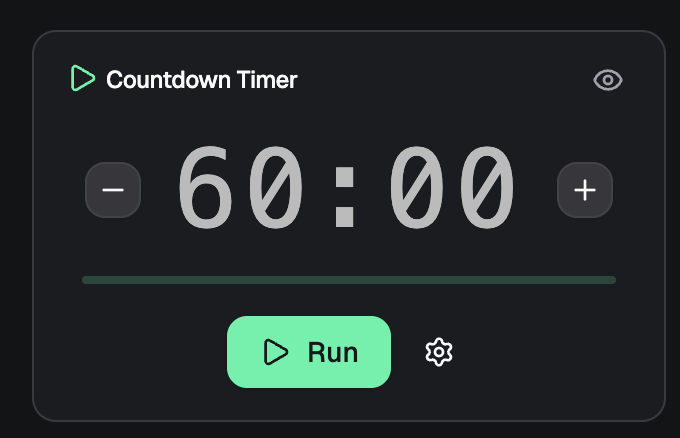
Added +1 and -1 minute buttons to the left and right of the timer for quicker access during game
improved CountdownTimer component performance and styling
Optimized font size calculations for the CountdownTimer to enhance responsiveness.
Refined inline styles in TimerDisplay for better visual consistency across different timer sizes.
Adjusted class handling in getTimerSizeClass to ensure accurate rendering for large timers.
December 13th, 2025
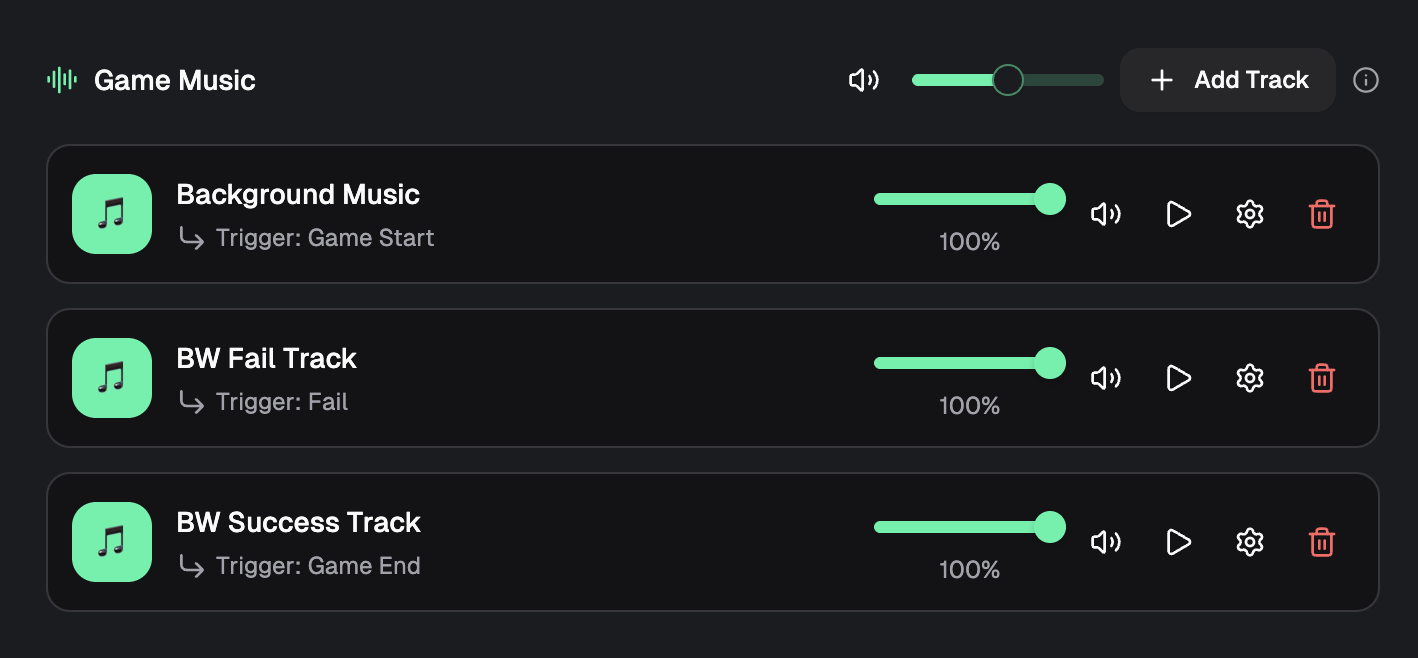
Changed audio engine to Howler for more stable playback
Simplified room loading logic by consolidating state management and reducing redundant updates.
Improved user experience by ensuring consistent handling of room status updates through localStorage.
Removed unnecessary calls to the database
Fixed global volume slider and added a percentage read-out
December 13th, 2025
Improved
Fixed
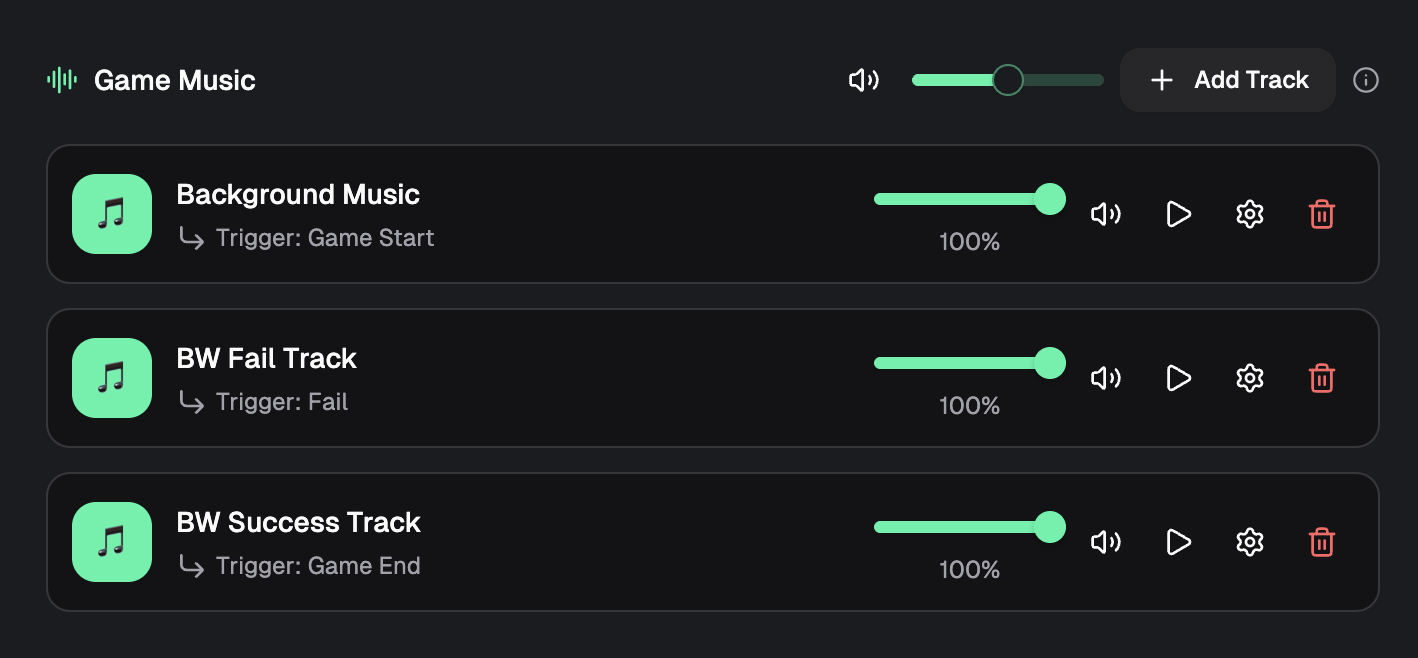
Enhanced music playback error handling and improve audio management
Added error callback for music playback failures to log errors and notify users through toast messages.
Implemented checks to ensure audio context is valid before playback and reinitialize if closed.
Enhanced HTML5 audio handling with retries and error recovery mechanisms.
Updated volume management to account for music volume and mute settings across all tracks.
Improved track management by ensuring tracks are added correctly and handling missing tracks gracefully.